Spot the Difference Animals
Compare two wildlife photos and find every change between the pair.
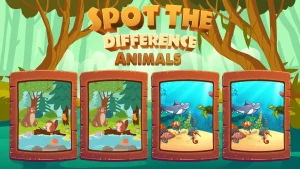
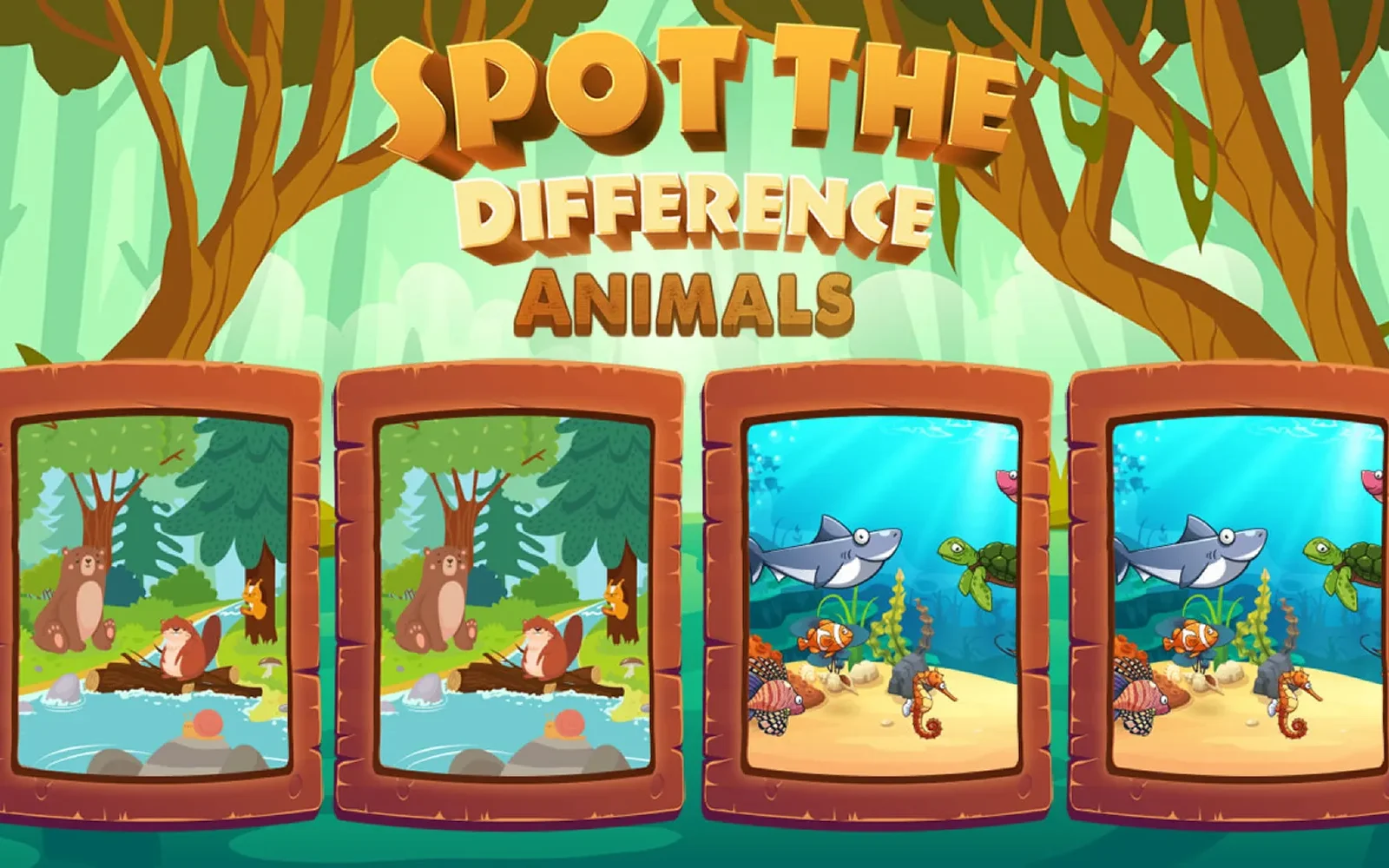
Spot the Difference Animals pairs two wildlife pictures that look identical at first and asks you to find every change between them. It is one of the spot the difference games, its scenes filled with creatures from the garden and animal world — birds on a branch, cats in a window, a field of grazing sheep. Compare the pair, click each change, and the picture clears when you have caught them all.
For a Soft Spot for Creatures
The draw here is the subject: the pictures are gentle, nature-filled scenes, so combing them feels less like a test and more like watching a wildlife shot long enough to notice what shifted. A bird gains a spot, a tail curls the other way, a butterfly leaves the frame — the changes live in the fur, feathers and leaves, which suits the slow, fond looking that a creature scene invites in the first place.
More hidden object games
- Hidden Objects Pirate Treasure — filed under Fantasy & Adventure
- Hidden Mushrooms — filed under Garden & Animals
- Hidden Animals — filed under Garden & Animals
- Christmas Find The Differences — filed under Christmas
Controls
Point and click, or tap the screen, on each difference between the two nature photos.
How to Play
This puzzle shows two wildlife shots next to each other that seem the same. Compare them area by area — the creatures, the plants, the sky behind them — instead of glancing across the whole thing at once. When one picture shows something the other does not, click or tap that spot to mark it. Find every change in the pair to complete the scene and open the next nature picture.
Frequently Asked Questions
What is Spot the Difference Animals?
It is a browser puzzle with a wildlife theme. Each round shows two nearly identical animal photos, and you clear it by finding every change between them.
Is it free in the browser?
Yes. It plays free in your browser with no download and no account — open the page and start comparing the first animal scene.
Where are the changes usually found?
Among the creatures and the greenery around them — a marking, a pose or a small plant that differs between the two shots, which a slow, careful look through the scene turns up.
Does it work on a phone?
Yes. On a mobile browser you tap each change instead of clicking, and the two pictures sit together the same way they do on a desktop.