Christmas Find The Differences
Compare two cosy Christmas pictures and mark each change between them.
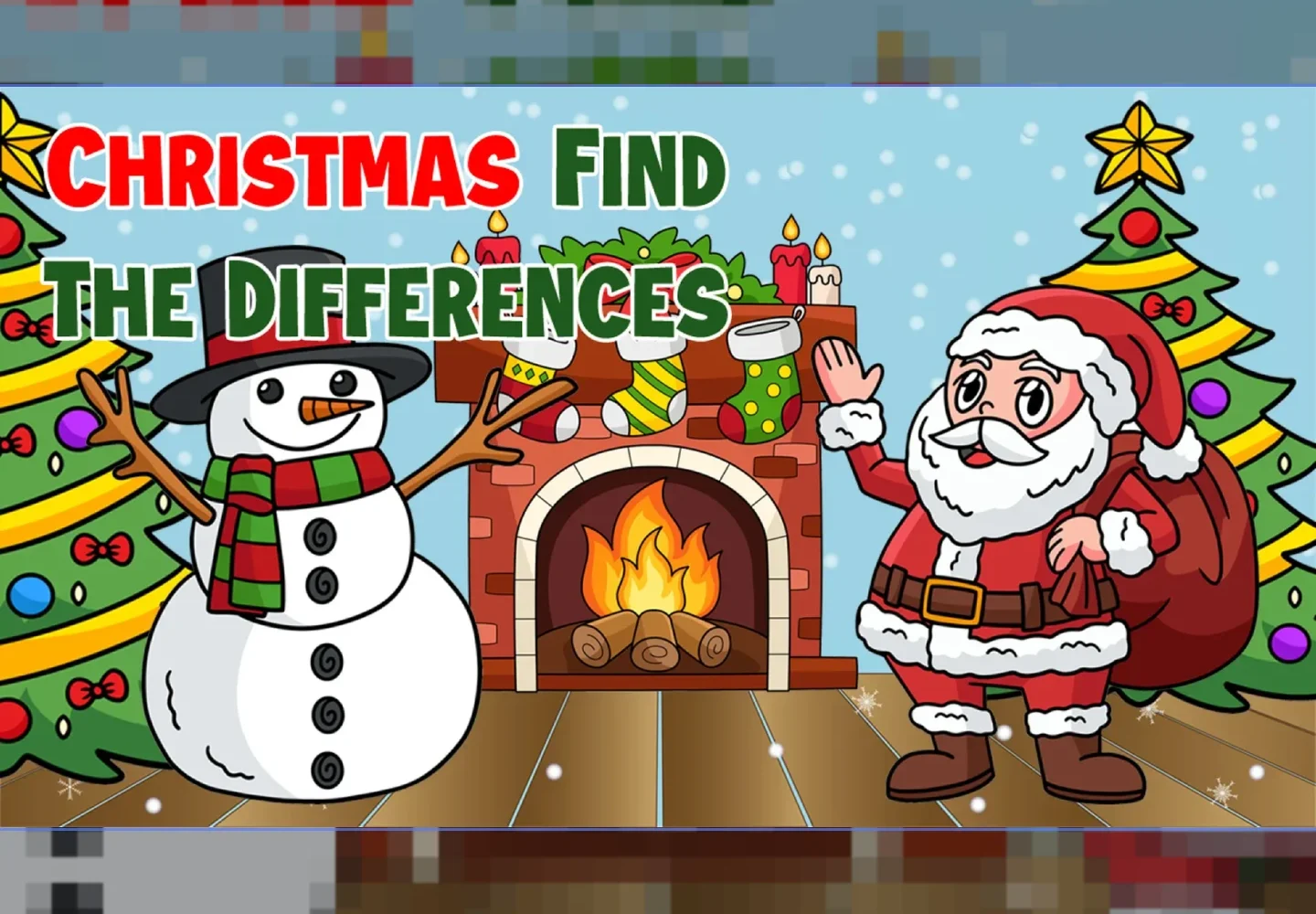
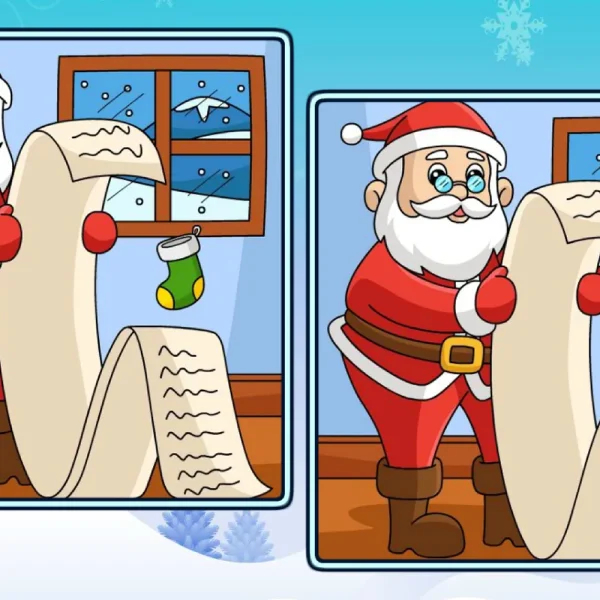
Christmas Find the Differences lays out two cosy winter pictures that look the same until you compare them, then asks you to mark each change. It is one of the spot the difference games with a Christmas setting — fireside rooms, snowy lanes, tables laid for the day — each pair holding a small run of edits. Read both halves, click the changes, and clear the scene once none remain.
A Calm End to a December Day
This puzzle suits the wind-down after the wrapping is done and the house has gone quiet, snow settling past the window. The frosty scenes are warm and softly lit, and the changes come at an easy pace — a stocking that shifts, a bauble recoloured, a plate that gains a treat — so it reads as a gentle way to let a long December evening taper off rather than anything to hurry through.
Controls
Use the mouse to click, or tap the screen, on each change between the two cosy pictures.
How to Play
This puzzle gives you two winter pictures placed together that appear identical at a glance. Compare them piece by piece — the hearth, the tree, the table, the window — rather than looking everywhere at once. Whenever one picture holds something the other does not, click or tap it to record the change. Find them all across the pair to finish the scene and open the next snowy picture.
Frequently Asked Questions
What is Christmas Find the Differences?
It is a browser puzzle with a Christmas theme. Each round shows two nearly identical cosy scenes, and you clear it by marking every change between them.
Is there any cost to play?
Yes. It plays free in your browser with no download and no account — just open the page and begin on the first winter scene.
What kind of changes should I look for?
Small edits between the two pictures — an object added or removed, a colour swapped, a decoration nudged out of place — usually tucked into the warmer, busier parts of the scene.
Can I play on a tablet?
Yes. On a touchscreen you tap each change rather than clicking, and the two pictures appear together just as they do in a desktop browser.