Play Fullscreen
Game Overview
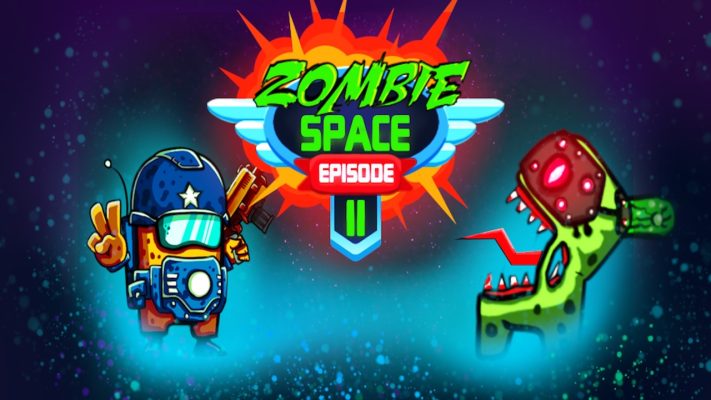
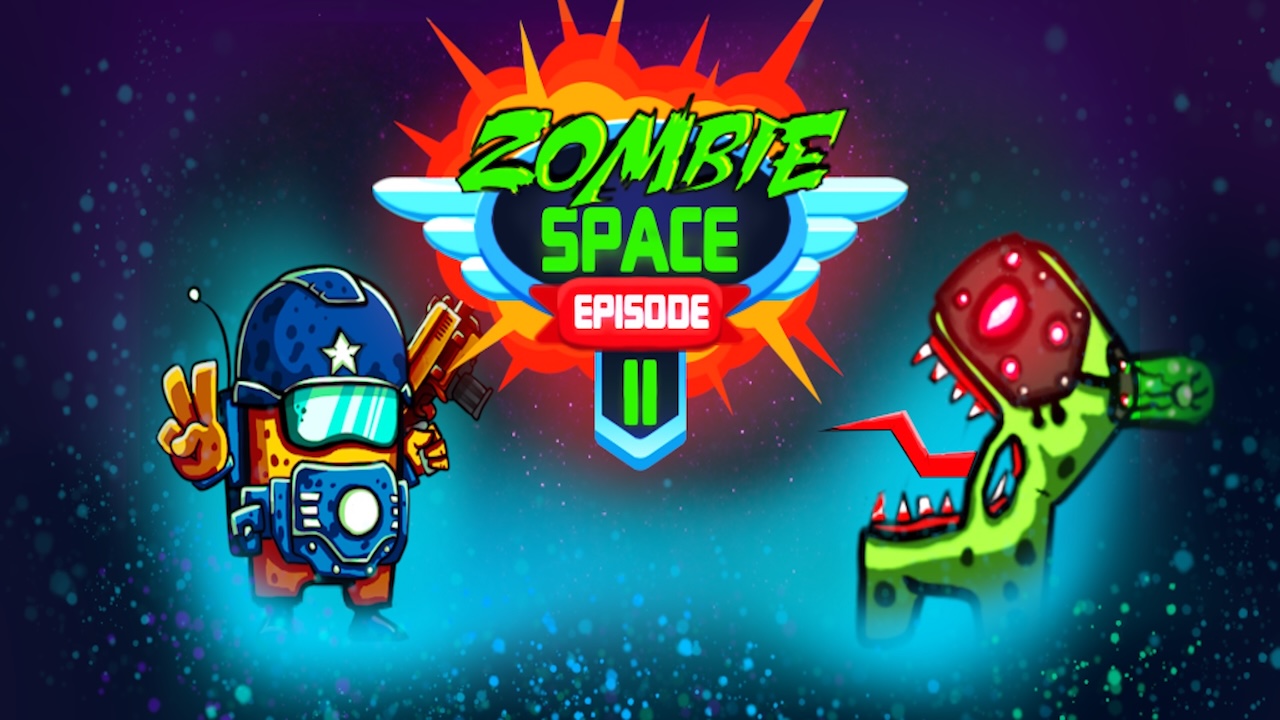
Zombie Space Episode II—it’s a wild mix of battle, shooter, and survival, all in a space setting that’s just… wow. The animations? Stunning. And those hidden object puzzles? They’ll keep you hooked. Made for Android, so you can dive in on your phone anytime.
How to Play Zombie Space Episode II
Objective
Destroy zombies, monsters, find survivors, and unravel the zombie apocalypse mystery. Simple, right?
Controls and Interface
- Movement: W, A, S, D (arrows)
- Change Weapons: Q (K)
- Activate/Apply: E (M)
- Super Weapon: F (J)
- Shooting: Left Ctrl, Space (Right Control, KeyPad 0)
- Look/Shoot: Mouse
- Mobile: Touch input
Tips
- Hidden weapons in chests—find ’em.
- Upgrade characters, weapons—face tougher foes.
Key Mechanics and Examples
- Weapon Variety: Discover, switch weapons.
- Character Upgrades: Boost abilities.
- Co-op Play: Team up on the same device.
- Hidden Objects: Solve puzzles, move forward.
- Zombie Hordes: Waves of enemies—brace yourself.
- Strategic Combat: Use abilities wisely.
Tips and Tricks for Success
- Hidden chests—always be searching.
- Regular weapon upgrades—better performance.
- Use the environment—it’s your ally.
- Super weapon—save it for the big fights.
- Practice movement, shooting—get that accuracy up.
Who Will Enjoy This Game
If you love logic puzzles, hidden object games, or just quick gaming sessions on your phone or browser, Zombie Space Episode II is your jam.
Frequently Asked Questions (FAQ)
- Is Zombie Space Episode II free to play?
Yep, free and full screen on our site. - Can I play with a friend?
Sure, same device co-op. - What platforms is the game available on?
Android devices. - Are there in-game purchases?
Nope, none. - How do I upgrade my character?
Collect resources, enhance abilities.