Game Overview
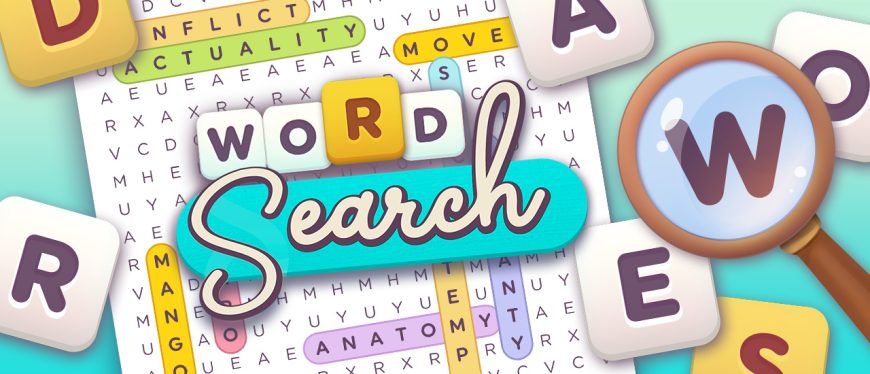
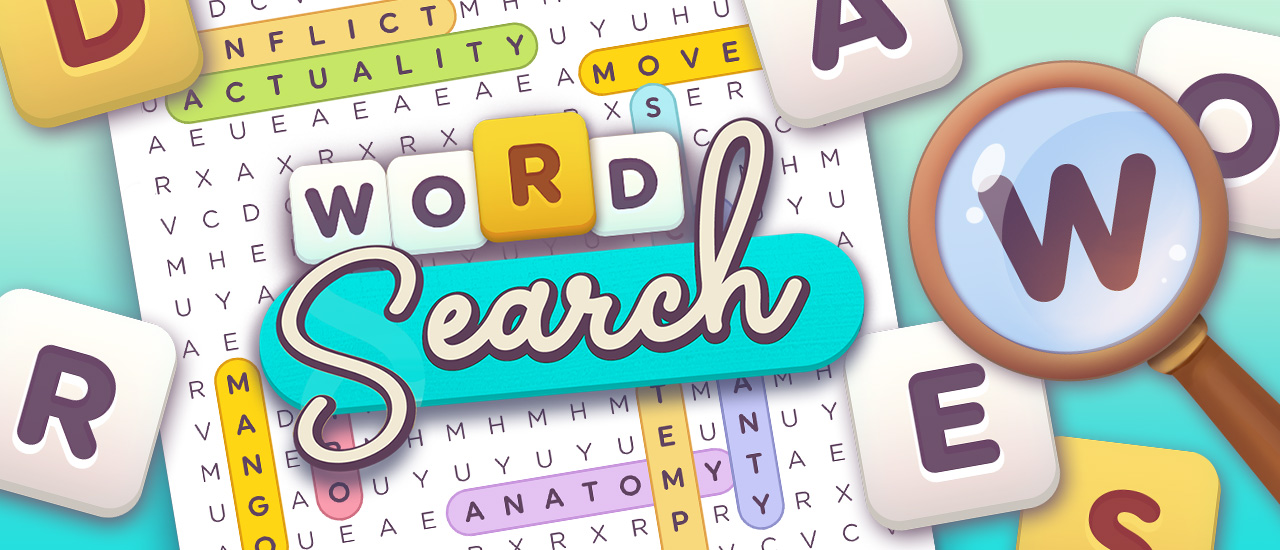
Word Search—it’s that classic puzzle game, you know? The one that mixes the thrill of finding hidden stuff with the joy of crosswords. Made for mobile, it’s smooth, with cool animations and a bunch of puzzles to keep you hooked. Whether you’re a puzzle pro or just killing time, Word Search is endless fun and a brain workout.
How to Play Word Search
Objective
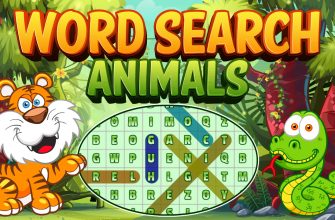
Simple goal: find all the words listed next to the grid. They’re sneaky, hidden in every direction—horizontal, vertical, diagonal, even backwards. It’s a hunt!
Controls and Interface
Playing’s a breeze. On your phone, just swipe your finger to highlight words. On a computer? Drag with your mouse. It’s all about making it easy so you can dive into the challenge.
Hints
Stuck? No biggie! Hit the hint button under the bulb icon for a little push.
Key Mechanics and Examples
- Pattern Recognition: Get better at spotting word patterns.
- Directional Search: Words hide in any direction, upping the ante.
- Daily Puzzles: New challenges every day—check the calendar.
- Full-Screen Mode: Go full-screen for a more immersive vibe.
- No Downloads Required: Play straight from your browser, no hassle.
- Free to Play: All features, no cost. Sweet deal.
- Cross-Platform: Works on iOS and Android. You’re covered.
Tips and Tricks for Success
- Start with the longest words—clear more space.
- Spot unique letter combos to find words fast.
- Use hints sparingly—keep it challenging.
- Practice daily—boost speed and accuracy.
- Take breaks—stay fresh and focused.
Who Will Enjoy This Game
Word Search is for logic puzzle fans, hidden object lovers, and anyone who likes quick gaming sessions on mobile or browser. It’s a chill way to keep your mind sharp.
Frequently Asked Questions (FAQ)
- Is Word Search free to play?
Yep, totally free. - Do I need to download the game?
Nope, just play in your browser. - Can I play Word Search on my phone?
Absolutely, it’s on iOS and Android. - Are there daily challenges?
For sure, check the calendar daily. - What if I get stuck?
Use the hint function to find those tricky words.